Review applications in seconds, not spreadsheets.
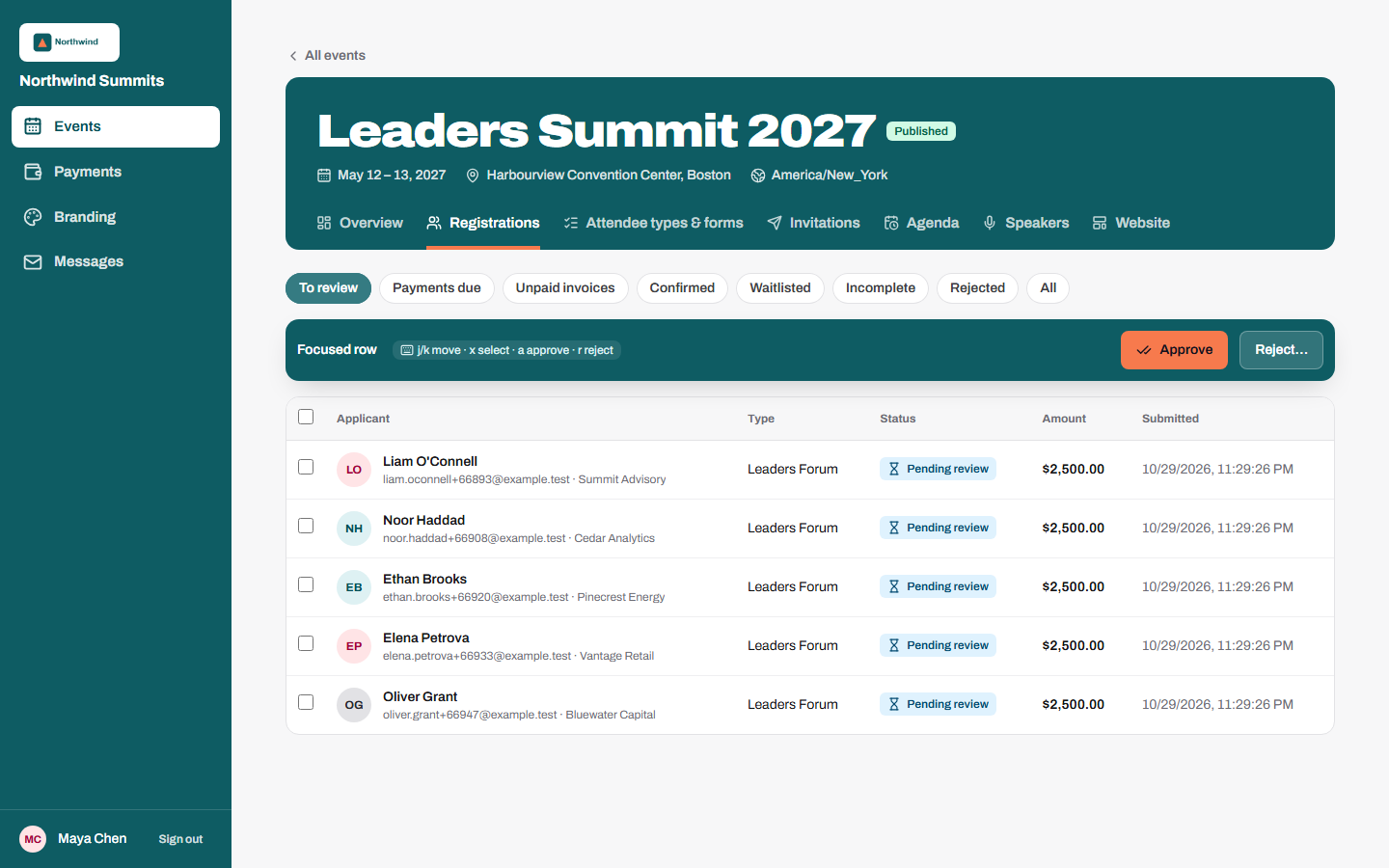
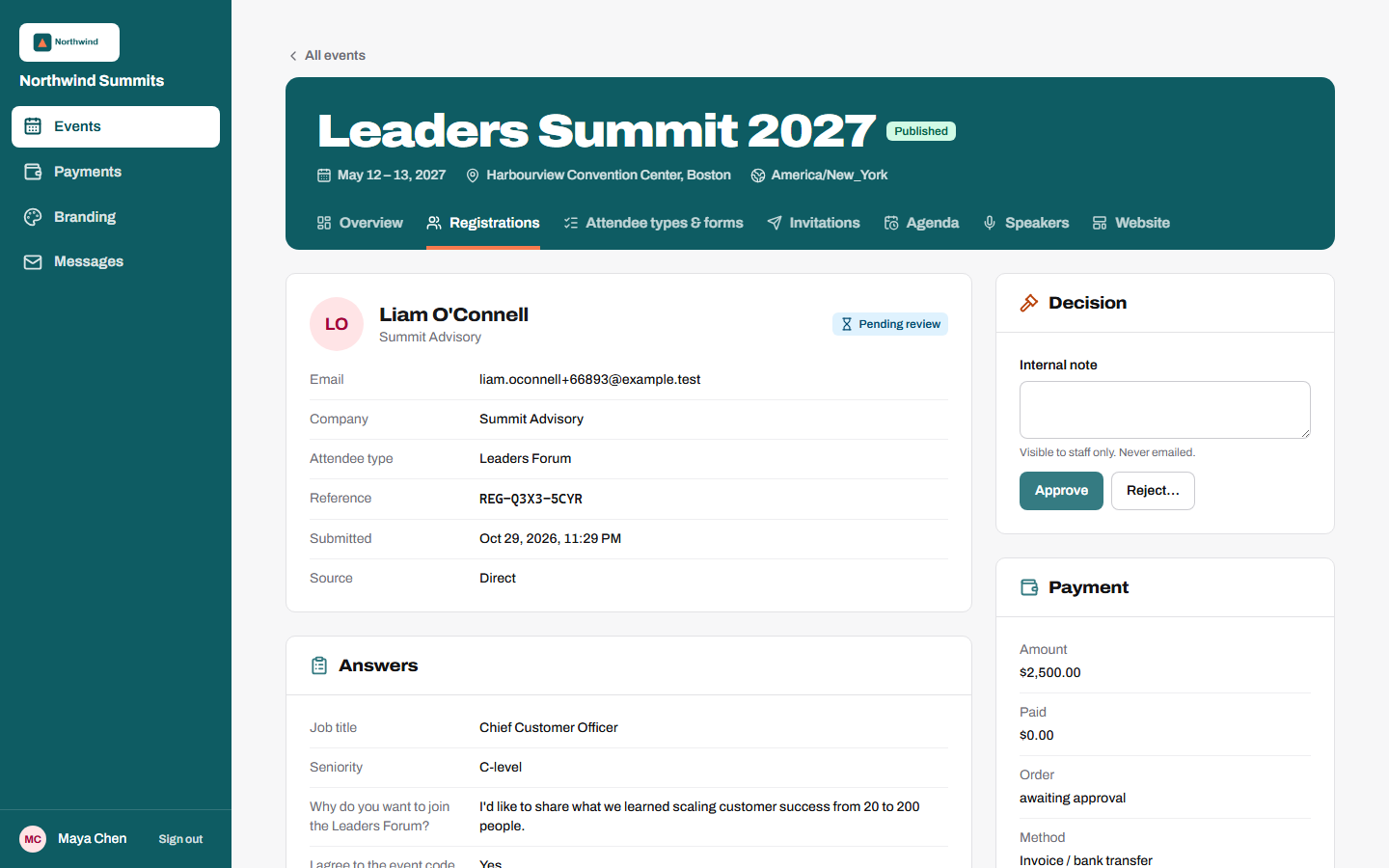
When an attendee type needs vetting, registrations land in a focused queue. Reviewers see answers side by side, decide with the keyboard and move on. Cards are only charged, and invoices only issued, once someone approves.
What you can do
Focused queue
Filter by attendee type and status; open any application with its full answers and history.
Keyboard first
Move with j and k, select with x, approve with a and reject with r.
Bulk decisions
Approve or reject many applications at once, with reason codes for rejections.
Auto-approval
Applications from trusted email domains skip the queue automatically.
Internal notes
Notes stay with the team and are never emailed to the applicant.
Audit trail
Every decision records who made it and when; double-clicks and races can't approve twice.
01
Guest applies
02
Reviewer approves or rejects
03
Payment is taken or invoice issued
04
Guest is emailed the outcome