Event website
Build the event site, connect your own domain, embed registration and see visitors.
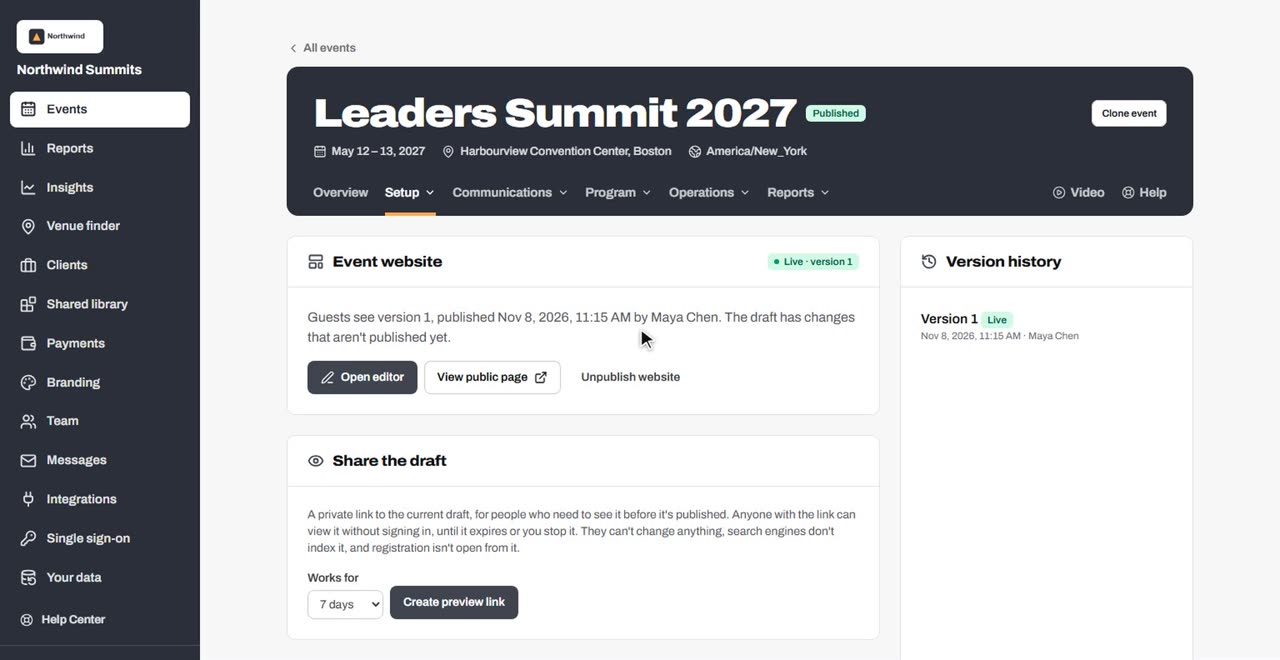
- Build your event websiteOpen the website editor, add pages and blocks, preview on phones, share a draft, publish, and roll back to an earlier version.
- Themes, colors, fonts and site-wide designChoose a theme, use your brand colors or your own, pick fonts, button and corner styles, dark mode, animations, navigation, footer and sharing details.
- Website blocks referenceEvery block in the website editor, what it's for and its main settings.
- Hero, columns and layered designsBuild the opening hero from blocks, place content side by side in columns, and compose free-form layered designs with text, photos, shapes and artwork.
- Backgrounds, artwork, textures and shaped edgesGive any section a color, gradient, aurora, photo or video background, add built-in artwork in your colors, a texture, and angled or wavy edges.
- Text size and spacingFine-tune a section's text, headings and selected words with sliders, and set the space above, below and at the sides of any block.
- Sponsors on your websiteAdd sponsor logos with levels, choose a layout, show the same sponsors on several pages, and let visitors open each sponsor's details.
- Speakers and agenda on your websiteShow your program on the website, kept up to date from the Agenda and Speakers tabs, with layouts and pop-ups for every speaker and session.
- Add a contact form to your websiteLet visitors message your team from the event website, choose what the form asks, and decide who gets the messages.
- Connect your own domainShow the event website and registration on your own address, such as events.yourcompany.com, with two DNS records.
- Put registration on another websiteEmbed your registration form on your own website, choose which sites may show it, and turn on the registration API for developers.
- Website analyticsSee how many people visit your event pages, where they come from, which pages they read, and how many go on to register.
- The attendee appGive registered attendees a phone app with the agenda, speakers, their own schedule and check-in code, and collect session feedback.
- Build your attendee appChoose the app's tabs, build its home screen and add pages of your own on a phone-sized preview, reusing website sections or building app-only ones.
- Sponsors and the sponsor mapAdd your sponsors and levels in one place, clean up their logos, show where they are on a floor map, and choose how they look on your website and in the app.
- Attendee networking: messages and meetingsLet confirmed attendees find each other, send one-to-one messages and book one-to-one meetings at the times and places you choose.
Still need help?
Email the Soventro team and a person will get back to you during business hours (US Eastern).