How can we help?
Step-by-step guides for every part of Soventro, from your first event to onsite check-in.
Popular guides
Video guides
All 16 videos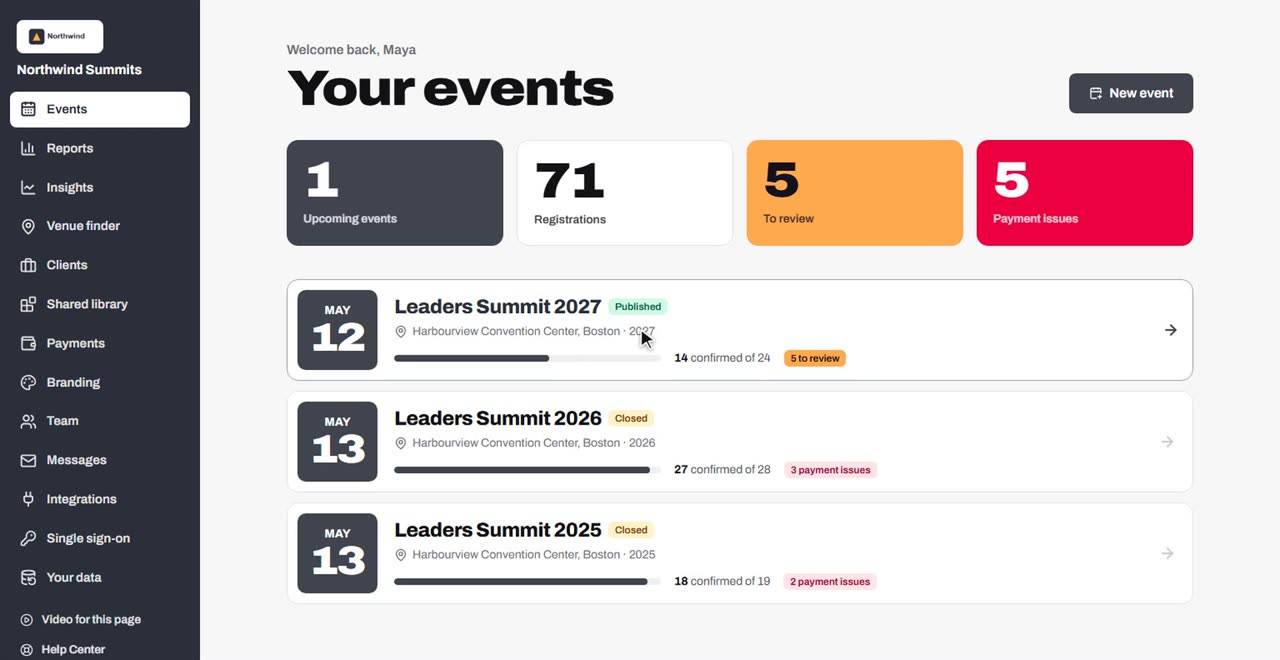 7 minVideoSoventro in seven minutesA tour of everything Soventro does for a conference, from AI venue matching, the website and registration to hotels, check-in, the attendee app and insights.
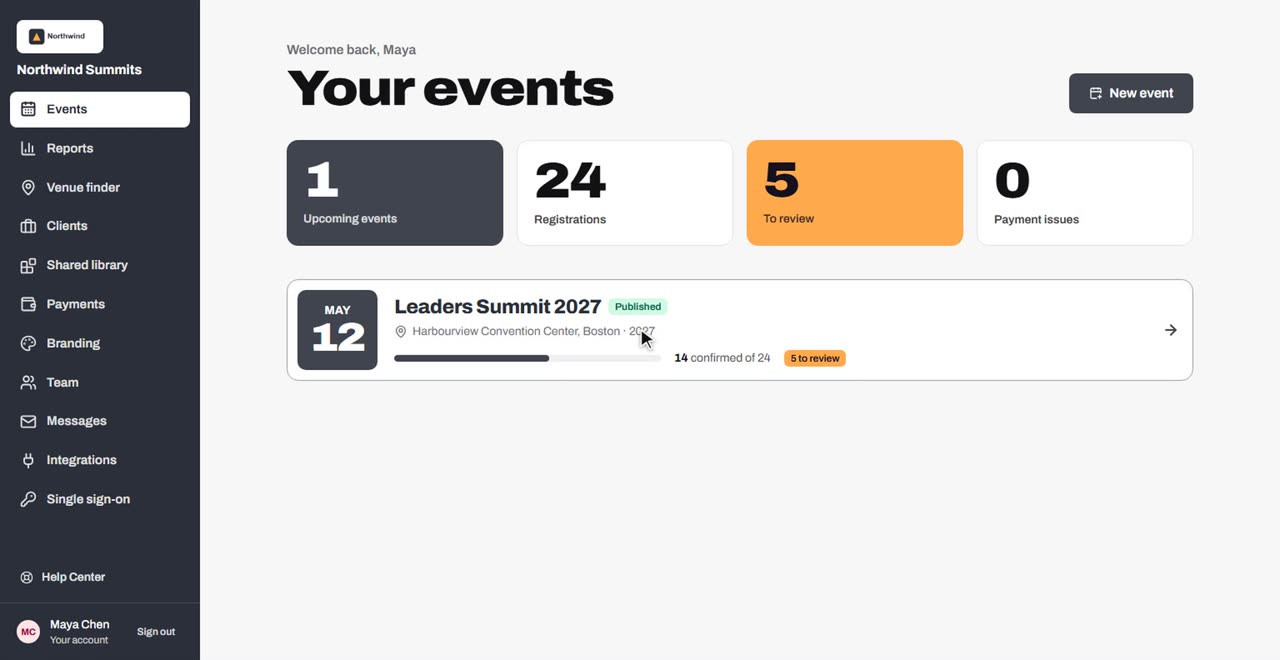 6 minVideoGetting startedFind your way around, set up your organization, create your first event and work through the launch checklist.
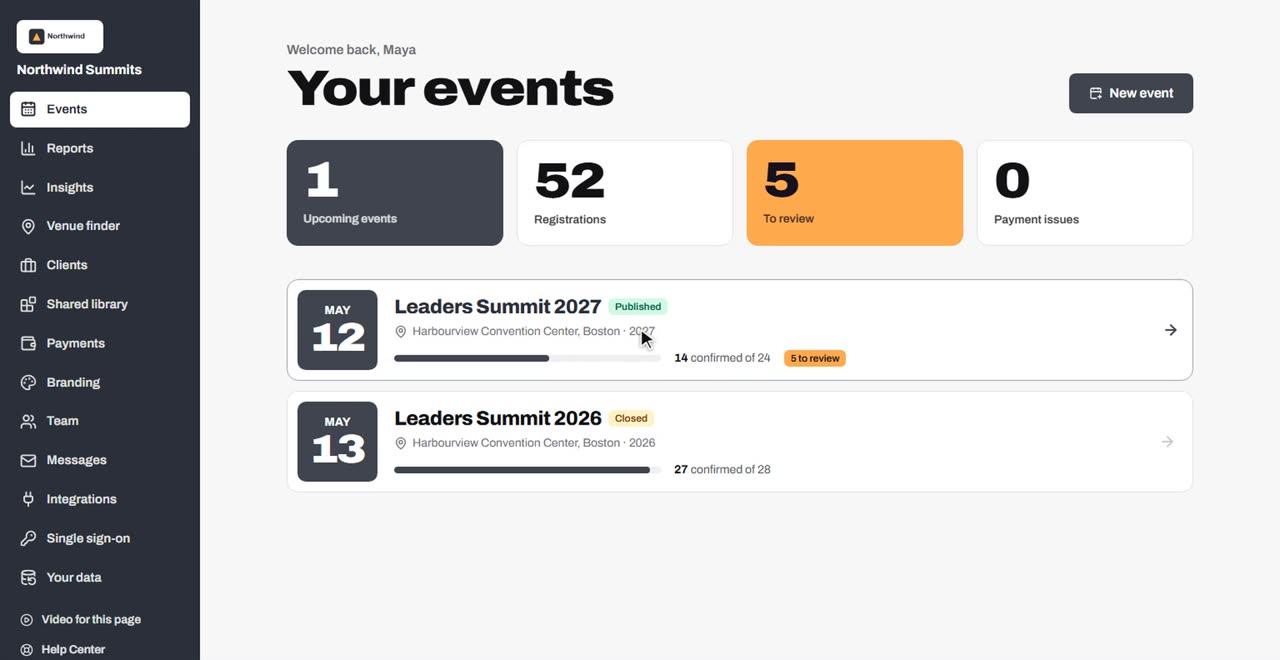 9 minVideoSet up and manage your eventsEvent details, publishing, attendee types, cloning an event, importing and the shared library.
Browse by topic
- Getting startedSet up your account, your team and your first event.
- Events and setupCreate events, attendee types, forms, discounts, and copy events from year to year.
- RegistrationOpen, paid, invitation-only and application registration, groups, waitlists and changes.
- Payments and invoicesConnect payment accounts, take cards and invoices, refund and reconcile.
- Event websiteBuild the event site, connect your own domain, embed registration and see visitors.
- EmailsConfirmations, campaigns, automated emails and who receives them.
- Agenda and speakersSessions, speakers, the call for speakers and reviews.
- Onsite and operationsCheck-in, badges, hotels, groups, invitations and website messages.
- Reports and analyticsNumbers for every event, saved and shared reports, exports and website analytics.
- IntegrationsImports, the API, webhooks, HubSpot and single sign-on.
- Account, team and billingMembers and roles, client workspaces, passwords, plans and pay per event.
- TroubleshootingFixes for the questions people ask most.
Still need help?
Email the Soventro team and a person will get back to you during business hours (US Eastern).